Q-ClinicClinic management

Q-Clinic is for practices with several people: a reception that books for each doctor, rights given one by one, and a team that talks without leaving the app. Rooms, staff planning and several sites are still to come.

- 1
Bring in the reception
A doctor creates a one-time code for the secretary. She joins from the Quralys Pro sign-in page.
- 2
Give her what she needs
Agendas and patients’ identity at first. Billing, cover, documents and the reception channel are switched on one by one.
- 3
Run the reception
She books for each doctor she works with, switches between them, and rings the doctor when a patient arrives.
- 4
Pass things along
The doctor sends her a document to hand over. Doctors and reception each have their own chat channel.
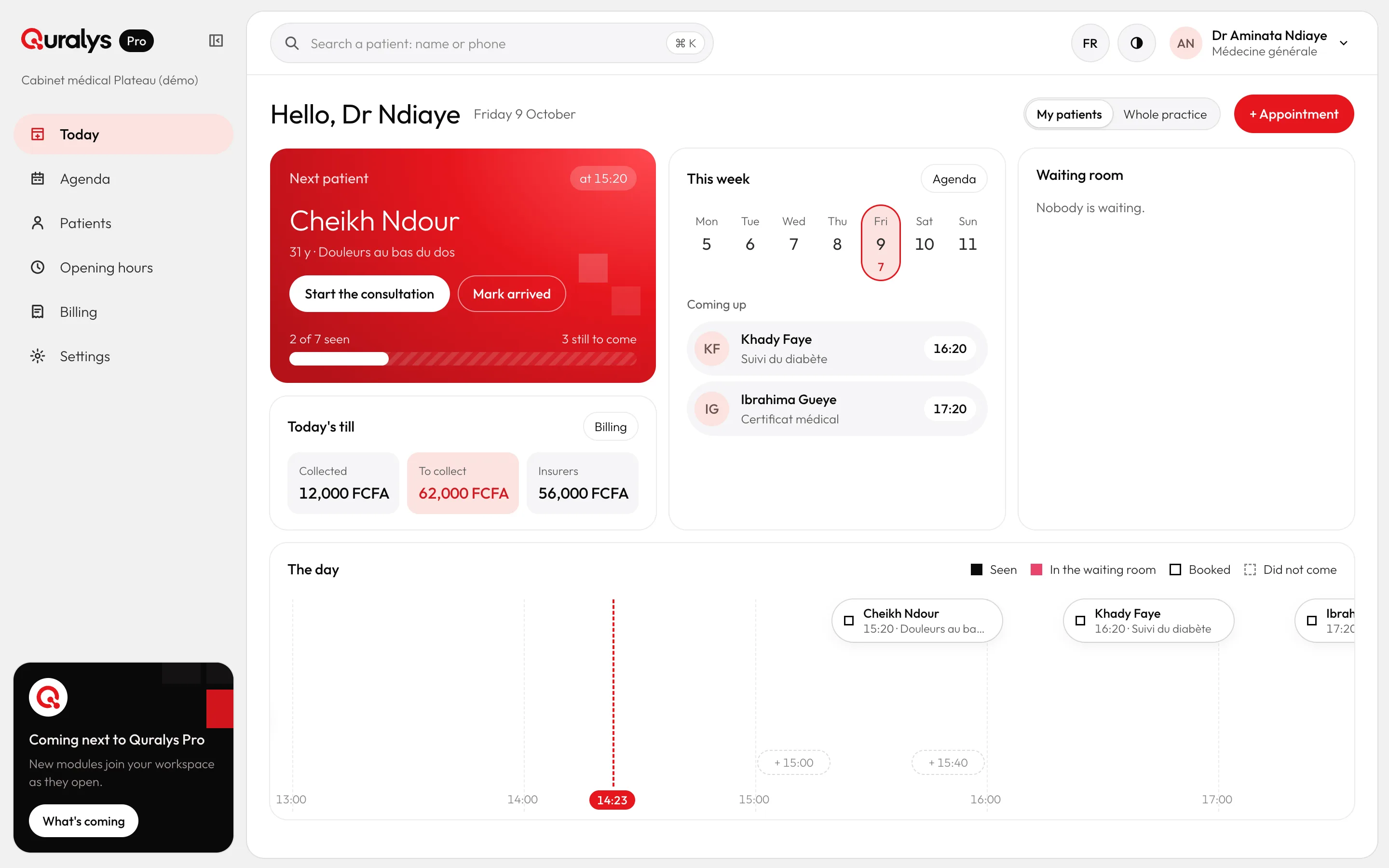
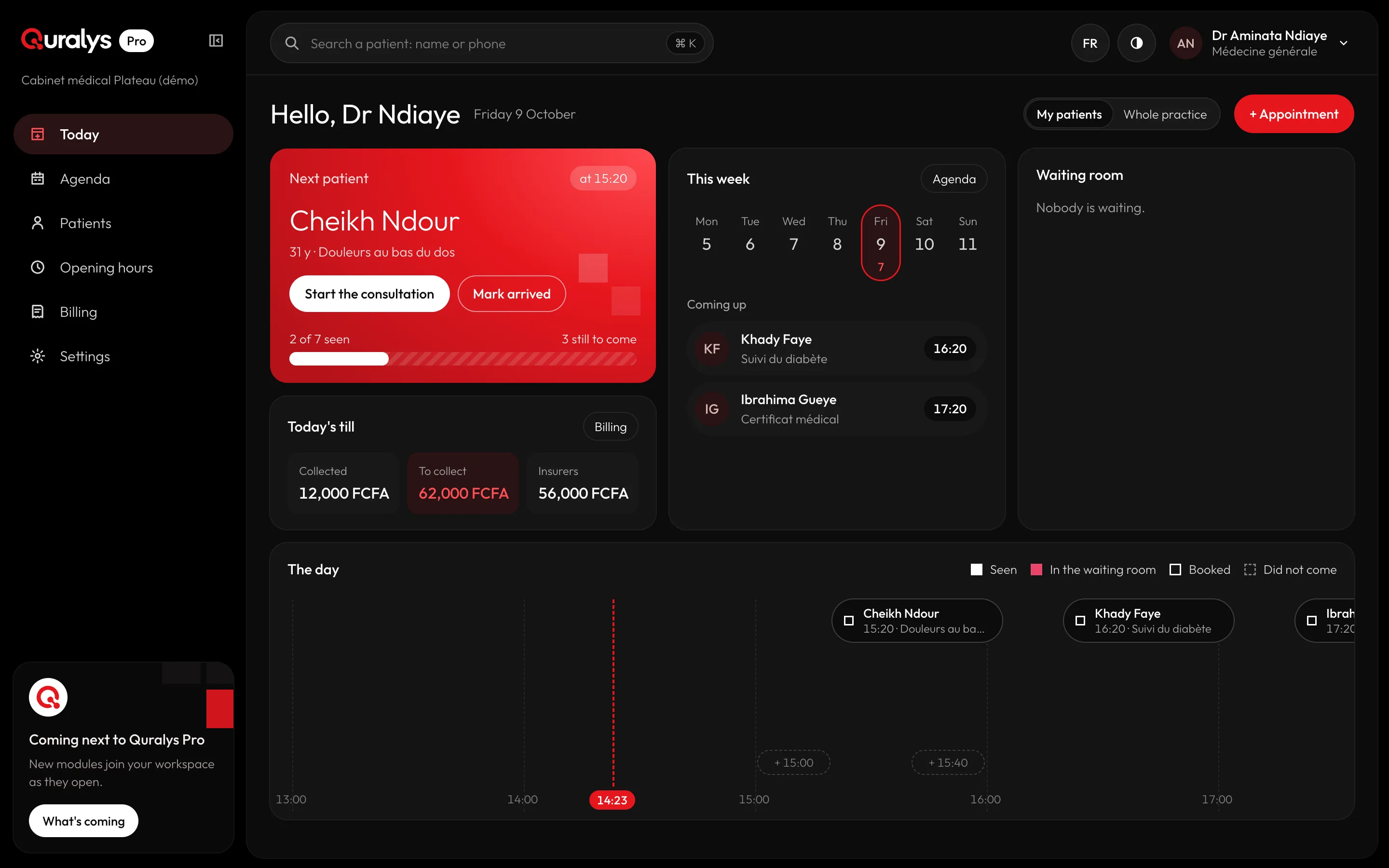
Already in the product, in testing
- One-time codes, rights one by one, and withdrawal
- A secretary working for several doctors
- A ring to the doctor when a patient arrives
- Documents handed over at the desk
- Chat for the doctors and for the reception
- Weekly opening hours per doctor
- Practice settings: fee, letterhead, accepted insurers
Coming next
- Rooms and staff planning
- Several sites
- A practice owner or administrator role
- Adding a doctor or creating a practice from the app
- Closures and holidays
- Daily figures per doctor, with Q-Lumen
Clinics & hospitals
Reception and doctors work in one tool, each with the access they need.
Private doctors
Decides what the secretary can do, and is told when the next patient is there.