Q-FacturaBilling & payments

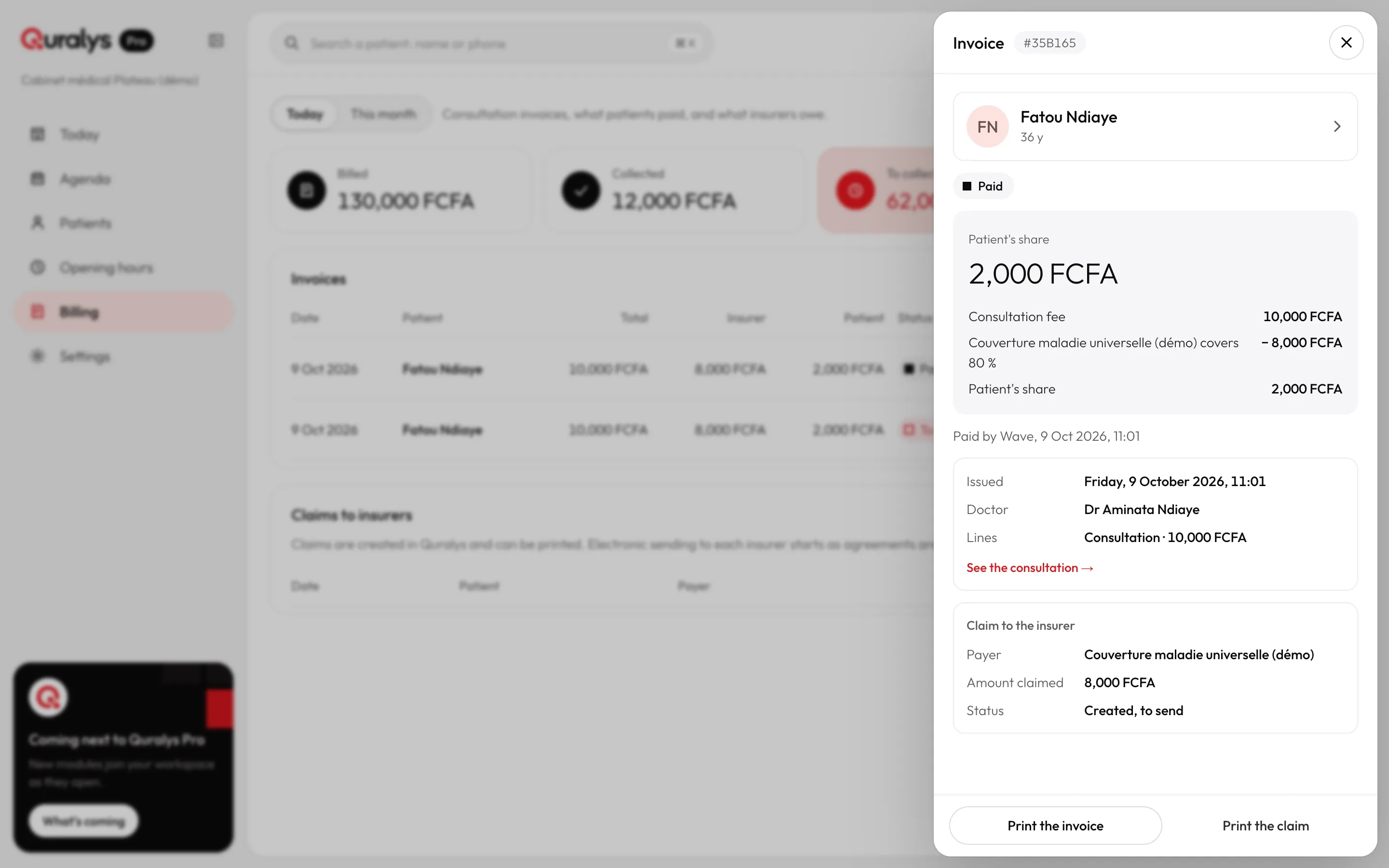
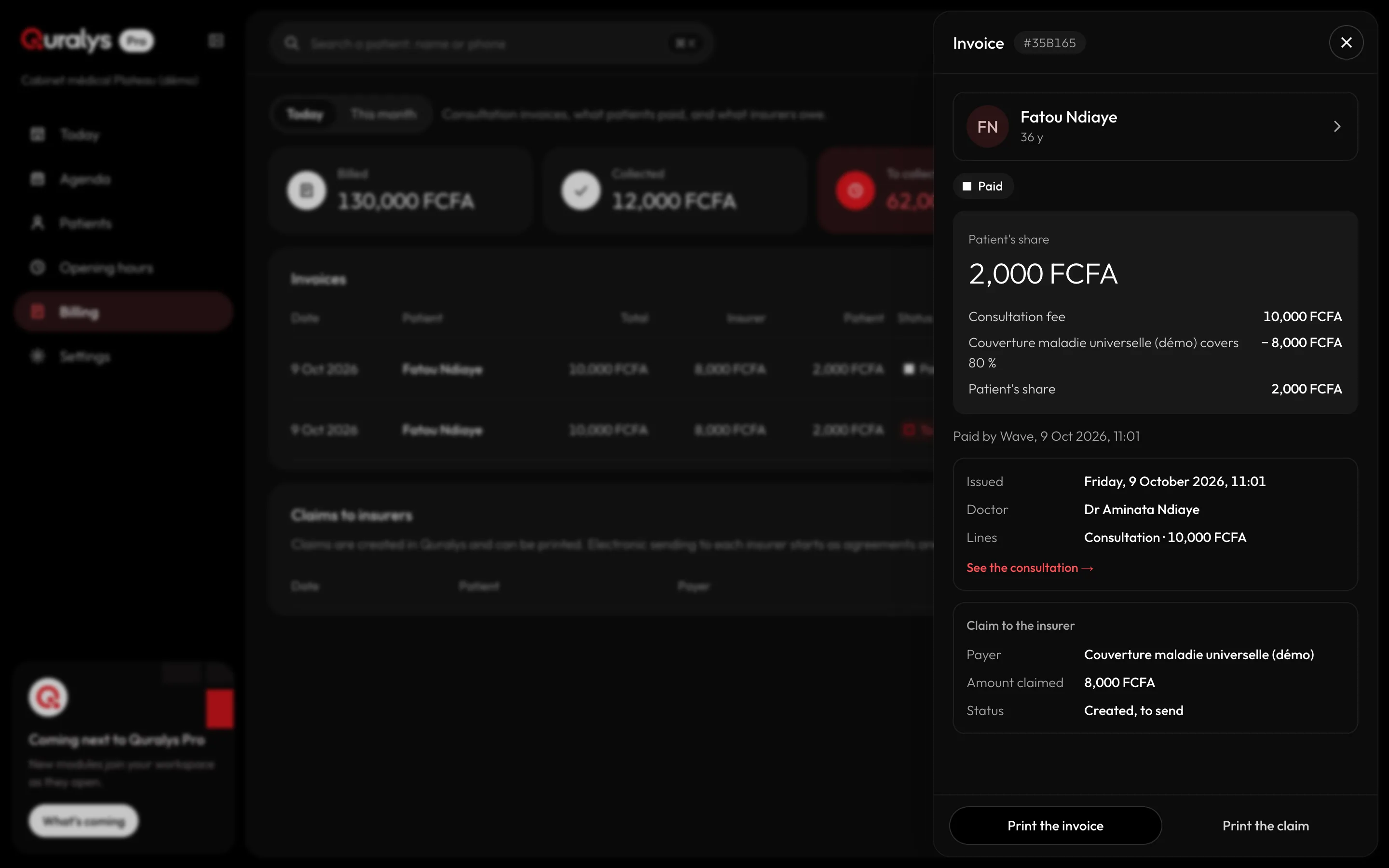
Q-Factura creates the invoice when the consultation ends, records how the patient paid and keeps the day’s figures. For now, money changes hands at the practice: no payment passes through Quralys yet.

- 1
The invoice appears
When the doctor finishes the consultation, in CFA francs, at the practice’s fee or the one the doctor chose.
- 2
The patient pays, staff note it
A doctor, or a secretary with the billing right, records the method and the amount: cash, Wave, Orange Money or card.
- 3
The invoice prints
A PDF on the practice’s letterhead, which serves as a receipt once paid.
- 4
The day adds up
Billed, collected, still to collect and owed by insurers, for today or for the month.
Already in the product, in testing
- An invoice created at the end of each consultation with a fee
- The split between the patient’s share and the insurer’s
- Recording the method and the amount paid
- A till tile on the dashboard, and billing figures for the day and the month
- A printable invoice and receipt
- Invoices in the patient app
Coming next
- Real payments by Wave, Orange Money and card, through a local aggregator
- Paying when booking
- Receipts by SMS
- Statements and exports
- Refunds and cancelled invoices
- Several lines on one invoice
Patients
Finds their invoices in the app and knows what they owe.
Private doctors
Has no invoice to write: it comes from the consultation.
Clinics & hospitals
Reception collects and sees what is still to collect.